

Your SEO workflow,
finally sorted.
Scan → triage → fix → track. One tight loop you can actually stick to, not a 200-row spreadsheet that dies in week two.
One app · CSV export when you want it · no stitching reports together
“Cheaper than what I was using and far easier to get around. I had never seen keyword data laid out so visually before, the topic clusters especially, which made the whole thing easy to understand.”
The rhythm
One loop, every week.
Mondays for scanning. Tuesdays for triage. Mid-week for fixes. Every day a quick glance at positions. That's the whole job.
- 01ScanMonday
- 02TriageTuesday
- 03FixWed-Fri
- 04TrackDaily
rinse · scale · repeat
The week
Five moves,
under an hour total.
No all-nighters. No spreadsheet archaeology.
- 01
Monday · Run the audit
Kick off a full site scan in 30 seconds. Critical / warning / passed buckets load as soon as the crawl hits each factor.
- 02
Tuesday · Triage the AI insights
Pick the top three opportunities by estimated traffic impact. That's your focus list for the rest of the week.
- 03
Wed-Fri · Apply the fixes
Each insight links to the exact page and line. Ship the change, click re-scan, watch the issue flip to green.
- 04
Daily · Glance at positions
Five-minute check on SERP moves, GSC impressions and clicks. Catch dips before they become regressions.
- 05
Monthly · Check competitors
Head-to-head score comparison + keyword gap review. Identify the next month's target keywords in 10 minutes.
Monday
Start the week
with a clean scan.
Every Monday morning, trigger a full audit. In 30 seconds you have a ranked list of what's broken, bucketed by severity. No guessing what to work on.
Run your first scan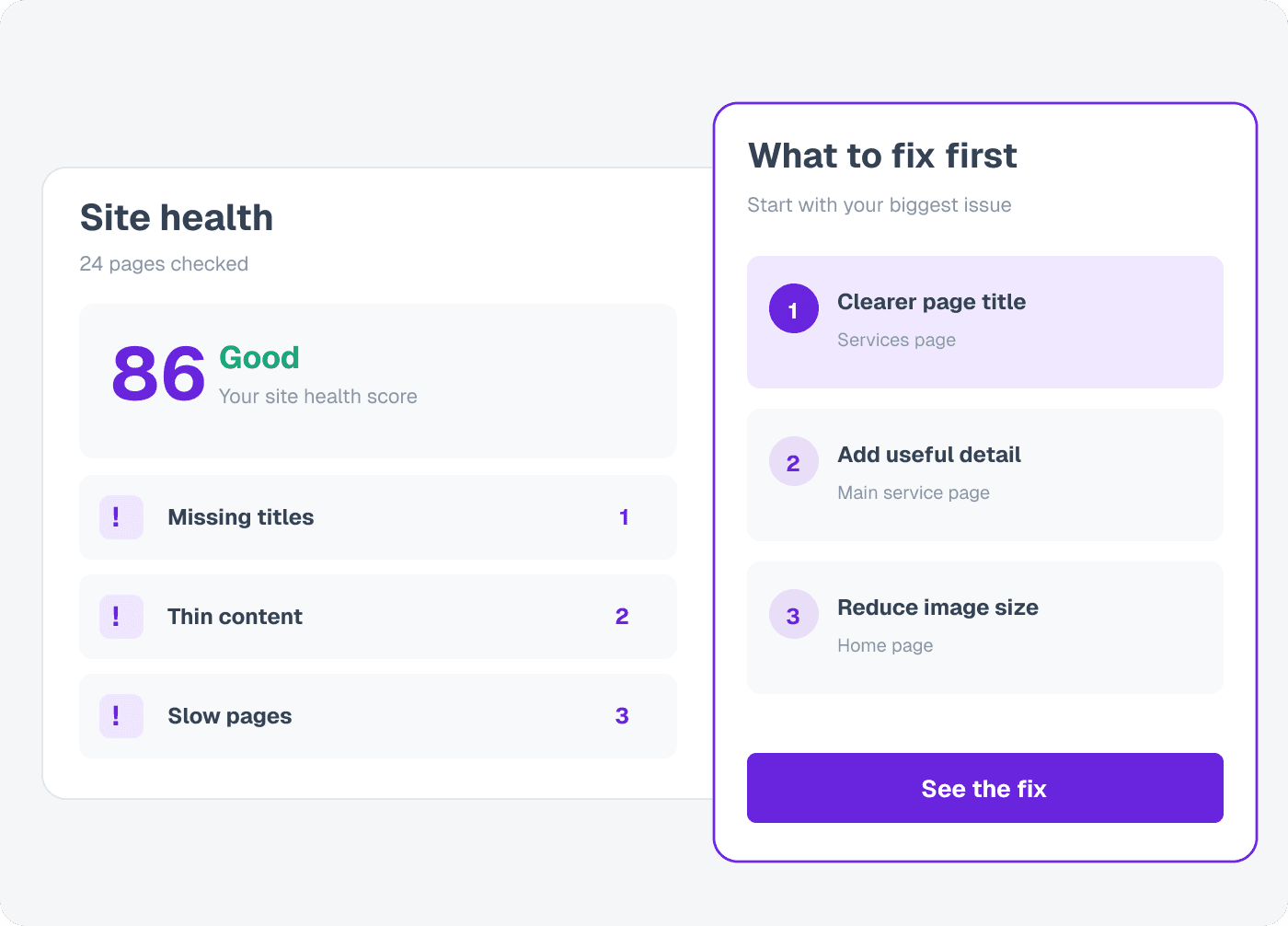
Tuesday
Triage the
AI insights.
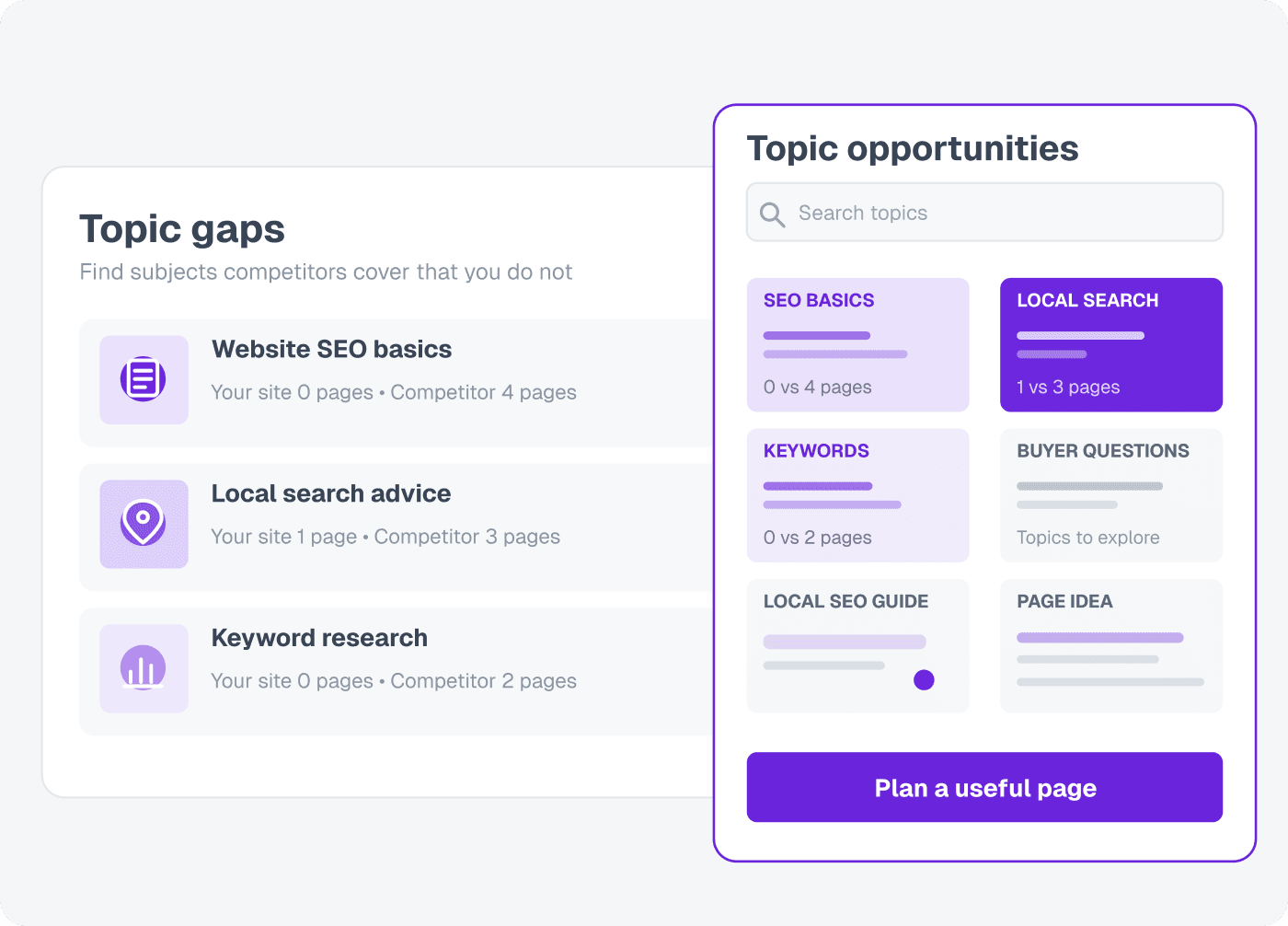
Each insight explains the what, the why, the impact, and the exact line to change. Mark the top three as this week's focus and you have a sprint.
Daily
Glance at
the positions.
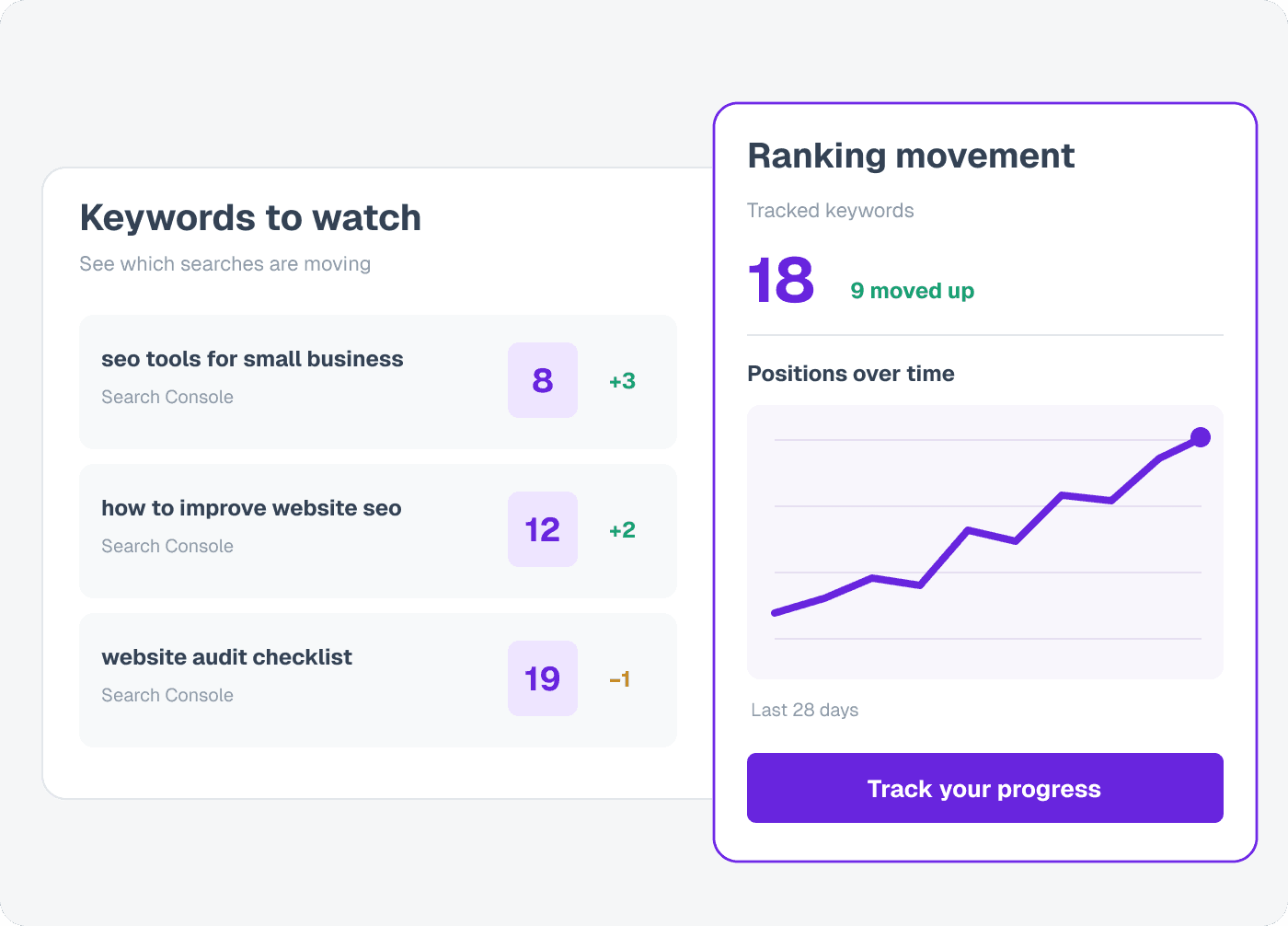
Every morning: a five-minute look at your tracked keywords. See what moved, what slipped, where GSC impressions are climbing. Catch dips before they compound.
Time, roughly
- Daily check-in
- 5min
- Weekly triage
- 30min
- Site audit
- 30s
- SERP refresh
- 24h
Loved by teams that rank
Cheaper than what I was using and far easier to get around.
“I had never seen keyword data laid out so visually before, the topic clusters especially, which made the whole thing easy to understand.”
UtilitySEO doesn't overwhelm you with useless data.
“Easy to use and makes tracking my info so much better.”
I moved over from a much pricier suite and I have not missed a feature yet.
“The audit tells me what to do next instead of handing me a list and wishing me luck.”
The briefs and drafts save me a serious amount of time.
“I still edit everything, but I am starting from something real rather than a blank page.”
Every site I look after is in one place now.
“I can see what moved, what I changed and which pages are slipping, without keeping spreadsheets to hold it together.”
Stop guessing. Start fixing.
Know what is broken and what to fix first, in plain English. 14 days free of Minimum. A partner, affiliate or referral code can give a longer trial or a higher plan. No credit card.
Start my free trial