

Site audits
What is holding your site back?
Scan your site, find the pages that need work and start with the fixes that matter.
Run a free scanAbout 30 seconds · No signup or card needed
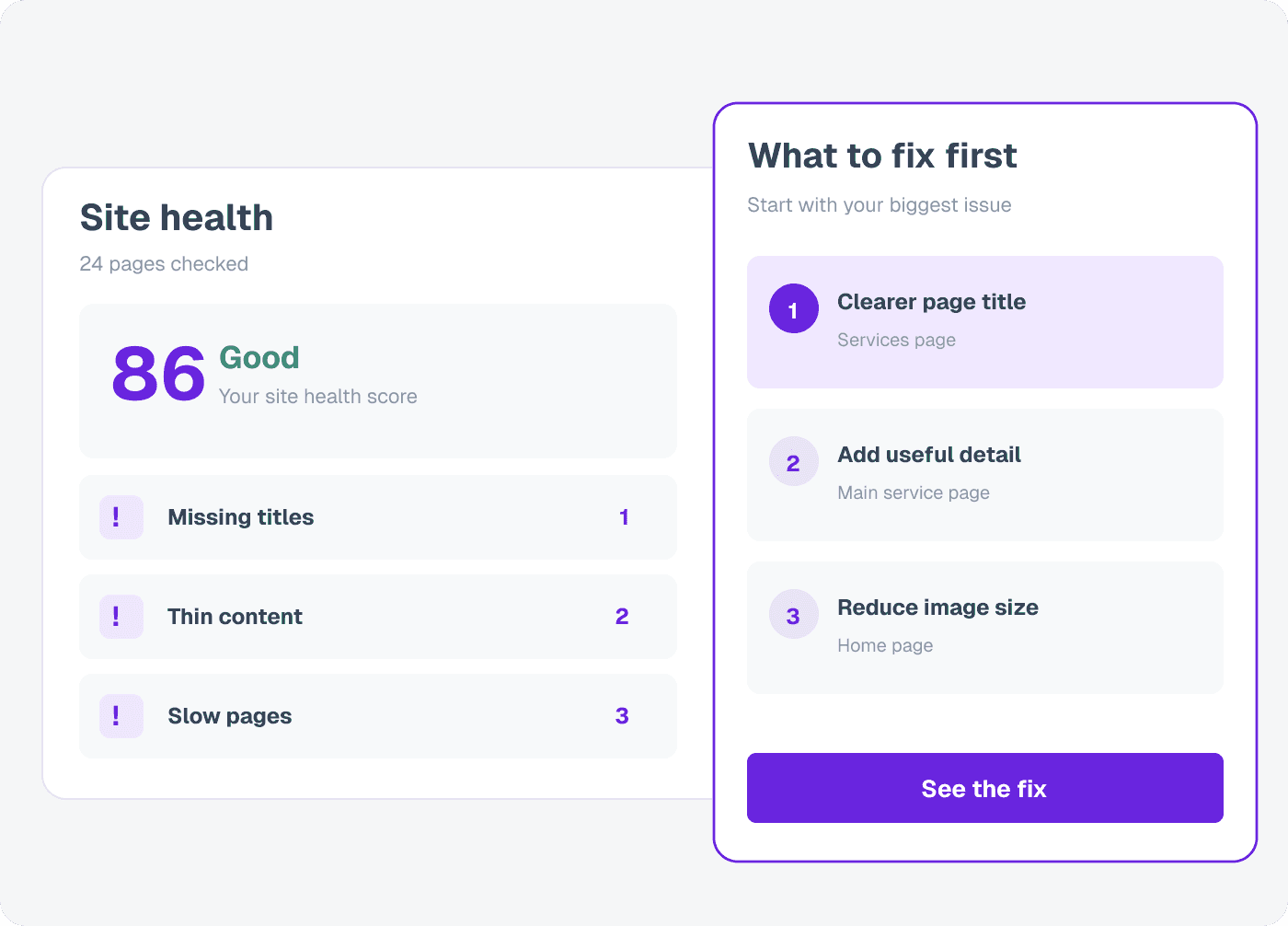
Site audit
A full scan.
A clear first move.
See the pages that need attention and start with the issues that matter most.
100+ checks across your site
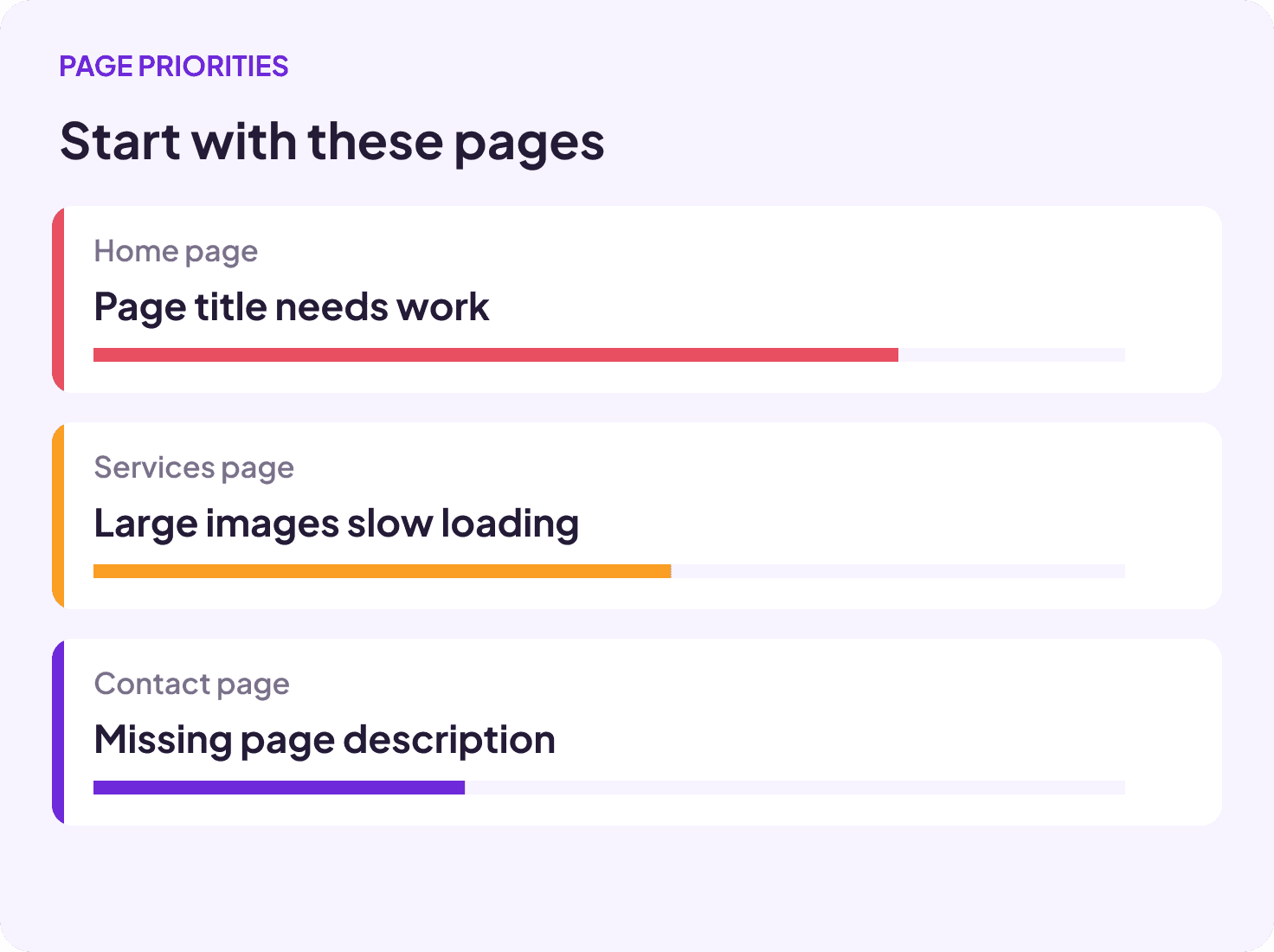
From issue to action
See the page behind the problem.
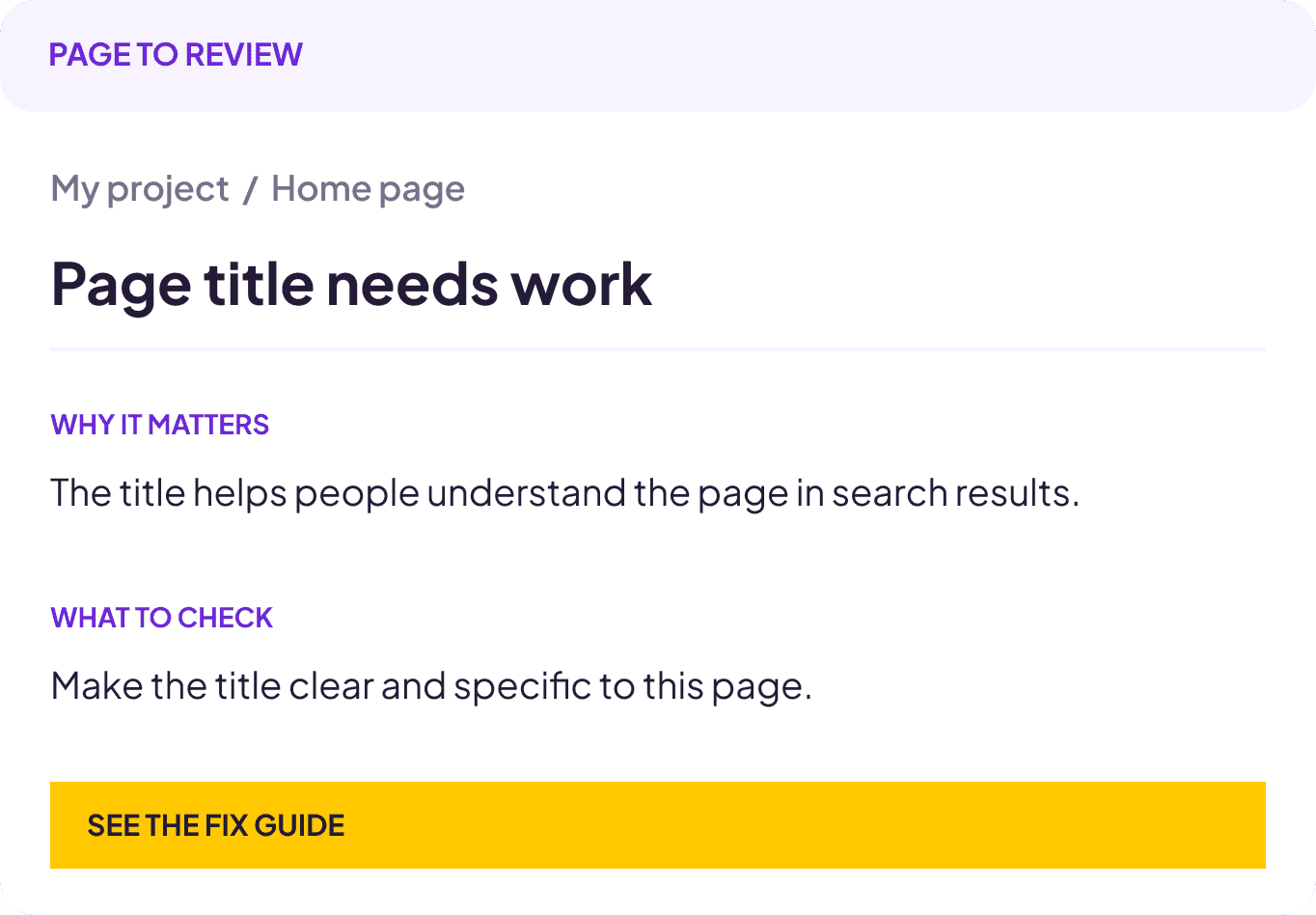
Each issue points to a page and explains what to check. Fix it, scan again and see what changed.
Ready for AI answers and AI agents
Can AI assistants read and use your site?
Every scan also checks your site the way ChatGPT, Claude and Perplexity see it. Free on every scan, with a fix guide and code to copy for each problem.
AI crawlers and llms.txt
Whether your robots.txt blocks the AI crawlers, whether you have an llms.txt file, and whether pages carry the headings and structured data AI assistants look for.
Pages AI sees as empty
AI answer engines read pages without running JavaScript. We tell you when they see an empty page, only part of it, or a "Loading..." message while Google sees it fine.
Forms and buttons agents can use
When an assistant books, buys or gets in touch for somebody, it needs fields and buttons it can name. We flag the ones it cannot, and clickable text that is not a real button.
Details hidden from agents
A phone number, email, opening hours or price only in an image or behind a click, CAPTCHAs on contact and checkout forms, and missing Product, business and opening hours data.
Firewalls that turn AI away
We ask a few of your pages again under the names ChatGPT, Claude and Perplexity use, and tell you when a firewall turns them away while letting our scanner in.
Dates and authors on articles
Blog posts, guides and news should show a date and an author. Service pages, your homepage and contact pages are not asked for one.
Frequently asked questions
Run a site audit. It crawls your pages the way a search engine does and flags anything that gets in the way: missing titles, broken links, slow pages, thin content and pages Google cannot index. Our free scan gives you a first look in about 30 seconds with no signup.
A good audit covers the technical side (can Google crawl and index the page, is it fast, does it work on a phone) and the on-page side (titles, descriptions, headings, content and internal links). UtilitySEO runs 100+ checks and groups the results by page, so you can see exactly where each problem lives.
The usual causes are a page that is blocked from indexing, a site Google has not discovered yet, or pages too thin to rank for anything. Check the page in Google Search Console first, then run an audit to catch noindex tags, broken links and missing titles.
Check after every significant change, such as a redesign, a new section or a platform move, and at least once a month otherwise. Problems creep in quietly, so a regular scan catches them before they cost you rankings.
Start with whatever stops Google reading important pages, such as indexing blocks and broken links, then fix titles and content on the pages that already get impressions. UtilitySEO puts every issue in order, so the first fix on the list is the one worth doing first.
Only if they can read it. AI assistants that book, buy or get in touch for someone need forms and buttons with readable names, contact details as text, and a firewall that lets them in. The site audit checks all of this on every scan and gives a fix for each problem. See AI visibility
Check your robots.txt for rules that block GPTBot, ClaudeBot or PerplexityBot, and check your firewall too, as some turn AI assistants away without you knowing. The site audit checks both, and whether you have an llms.txt file. Run a free scan
See what your site needs next.
About 30 seconds · No signup or card needed