

SEO
How to Test What AI Crawlers Actually See on Your Site
Test AI crawler access in ten minutes by comparing status codes, byte size, structured data, and word count against a normal browser.
Testing AI crawler access is the quickest way to confirm that GPT‑style bots can reach and read your pages. By sending four specific user‑agent requests you can compare status codes, page size, structured data, header tags and word counts against a normal browser. A passing test shows that the crawler can retrieve the content, but it does not guarantee that the content will be cited in AI answers.
People often assume that a site is crawlable if Googlebot can index it. That is wrong because AI crawlers use different user agents and may honour a separate robots.txt or llms.txt file. If a bot is blocked at the network level or by an incorrect rule, it will never see your content, even if Googlebot can.
What do I need to check when testing AI crawler access?
- User‑agent strings – four common AI bots:
- OpenAI-SearchBot
- PerplexityBot
- Google-Perplexity
- ClaudeBot
- What to compare – five key metrics:
- HTTP status code
- Byte length of the response body
- Count of application/ld+json blocks
- Number of <h1> tags
- Word count of the server‑rendered HTML
- How to read the result – a simple pass/fail table and a quick sanity check.
How do I run the test in ten minutes?
- Open a terminal or use an online curl tool.
- Replace
https://example.com/pagewith the URL you want to test. - Run the following commands, one for each user agent:
curl -I -A "OpenAI-SearchBot" https://example.com/page
curl -I -A "PerplexityBot" https://example.com/page
curl -I -A "Google-Perplexity" https://example.com/page
curl -I -A "ClaudeBot" https://example.com/page- Note the status code from each response. A
200means the bot was allowed. - For each agent, fetch the full body and calculate:
curl -s -A "OpenAI-SearchBot" https://example.com/page | wc -c   # byte length
curl -s -A "OpenAI-SearchBot" https://example.com/page | grep -o '<script type="application/ld+json"' | wc -l   # ld+json count
curl -s -A "OpenAI-SearchBot" https://example.com/page | grep -o '<h1>' | wc -l   # h1 count
curl -s -A "OpenAI-SearchBot" https://example.com/page | tr -s ' ' '\n' | wc -w # word count- Repeat the body‑size, ld+json, h1 and word‑count steps for the other three agents.
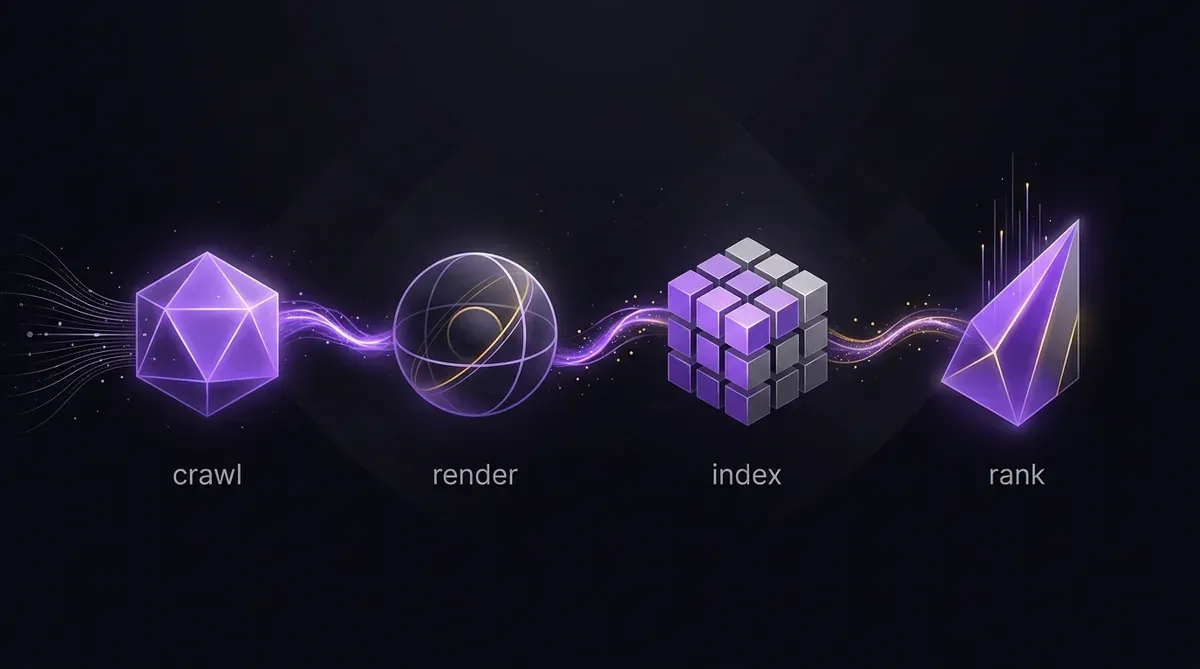 The workflow shows each step where you can verify AI crawlers can fetch, render, index and ultimately rank your pages
What should a working result look like?
| Metric | Normal Browser | OpenAI‑SearchBot | PerplexityBot | Google‑Perplexity | ClaudeBot |
|---|---|---|---|---|---|
| Status | 200 | 200 | 200 | 200 | 200 |
| Bytes | 12 345 | 12 312 | 12 310 | 12 315 | 12 310 |
| ld+json | 3 | 3 | 3 | 3 | 3 |
| H1 | 1 | 1 | 1 | 1 | 1 |
| Words | 1 234 | 1 230 | 1 228 | 1 231 | 1 229 |
A close match across all metrics indicates that the AI crawler receives the same server‑rendered HTML as a human browser. If any metric differs significantly – for example a status code of 403 or a byte length that is 50 % smaller – the bot is being blocked or served a different version.
Why does the byte length matter?
The byte length tells you whether the bot is receiving the full page or a stripped‑down version. A smaller payload often means the server is delivering a lightweight version for crawlers that do not need JavaScript. If the byte length is far lower than the browser version, the bot may miss critical content or structured data.
Which other signals should I check after the basic test?
- Robots.txt compliance – use the official guide to confirm that none of the AI user agents are disallowed: https://developers.google.com/search/docs/crawling-indexing/robots/intro
- LLMS.txt presence – an
llms.txtfile can grant explicit permission to AI models. - Structured data quality – ensure each
ld+jsonblock contains a valid@typethat matches the page content. - Canonical tags – verify that the canonical URL is correct for all bots.
How do I know if my site is truly crawlable by AI bots?
- Pass the status‑code test – all four bots return
200. - Match the byte length – less than a 5 % difference from the browser version.
- Consistent structured data – same number of
ld+jsonblocks and identical content. - No disallow rules – check
robots.txtfor each user agent. - No
X‑Robots‑Tag: noindex– this header can block AI crawlers even ifrobots.txtallows them.
If all conditions are met, the site is technically crawlable. However, passing this test is necessary and not sufficient; it does not guarantee that the content will be cited in AI answers. For evidence that a site can be crawled yet still not be cited, see our post on crawlable‑but‑not‑cited content.
What happens if a bot is blocked?
A blocked bot will never receive the page’s HTML, structured data or any meta information. This means the bot cannot build an internal representation of your content, and the page will not appear in AI‑generated responses. Even a single blocked user agent can reduce the visibility of a page across multiple AI platforms.
When should I run this test again?
- After major content updates or site migrations.
- Whenever you add or modify
robots.txt,llms.txtor HTTP headers. - When you notice a drop in AI‑referral traffic or a change in search rankings that could be linked to AI visibility.
Sources
Summary
Testing AI crawler access is a quick, ten‑minute process that confirms whether bots can reach and read your content. By comparing status codes, byte size, structured data, header tags and word counts against a normal browser, you can identify blocking issues that may prevent AI engines from citing your pages. A passing test shows that the crawler can retrieve the content, but it does not guarantee citation. Keep the test routine part of your optimisation workflow and use UtilitySEO’s Free AEO Scan for automated checks.
Häufig gestellte Fragen
To test ai crawler access, compare HTTP status codes and content metrics for specific bot user agents against a normal browser.
- Use curl with OpenAI-SearchBot and PerplexityBot user agents.
- Check for HTTP 200 status codes on all requests.
- Verify byte length matches your standard browser output.
Your site may be invisible because robots.txt or server rules block specific AI crawler access user agents.
- Check robots.txt for Disallow rules targeting AI bots.
- Verify llms.txt does not restrict content visibility.
- Ensure no CDN blocks non-standard user agents.
You can test ai crawler access using terminal curl commands or online HTTP request simulators.
- Terminal curl allows precise user agent simulation.
- Online tools offer quick status code checks.
- Browser developer tools show limited bot visibility data.
Testing access only confirms bots can read your site, not that they will cite your test ai crawler access content.
- Access verification ensures technical reachability.
- Citation depends on content quality and relevance.
- No tool guarantees ranking in AI answer engines.
Focus on OpenAI-SearchBot, PerplexityBot, Google-Perplexity, and ClaudeBot when you test ai crawler access.
- OpenAI-SearchBot covers GPT-based retrieval systems.
- PerplexityBot handles search-focused AI queries.
- ClaudeBot represents Anthropic's web browsing capabilities.
Wisse, was du als Nächstes beheben solltest.
Scanne deine Website für einen klareren Startpunkt.
Etwa 30 Sekunden. Keine Karte nötig.