

SEO
Mastering Core Web Vitals for Better User Experience and SEO Rankings
A step-by-step guide to understanding, auditing, and optimising Core Web Vitals for improved SEO and user experience.
Understanding and optimising Core Web Vitals is crucial for any website aiming for strong search engine performance and an excellent user experience. These metrics, introduced by Google, measure real user experience for loading, interactivity, and visual stability. Failing to meet the recommended thresholds can negatively impact your search rankings and user engagement. This guide will walk you through what Core Web Vitals are, why they matter, how to audit them, and how UtilitySEO can streamline your optimisation efforts.
Understanding Core Web Vitals
Core Web Vitals are a set of three specific metrics that Google uses to quantify the user experience of a webpage. They are part of Google's broader Page Experience signals. These metrics are:
Largest Contentful Paint (LCP): This measures how long it takes for the largest content element on your page to become visible within the viewport. A good LCP score is 2.5 seconds or less, indicating a fast loading experience.
First Input Delay (FID) or Interaction to Next Paint (INP): FID measures the time from when a user first interacts with a page (e.g., clicking a button) to when the browser responds to that interaction. An ideal FID is 100 milliseconds or less. Google is transitioning to INP as the primary metric for responsiveness, measuring the latency of all interactions on a page. An INP of 200 milliseconds or less is considered good.
Cumulative Layout Shift (CLS): This measures the sum of all individual layout shift scores for every unexpected layout shift that occurs during the entire lifespan of the page. A low CLS score, ideally 0.1 or less, means users are not experiencing unexpected content movement as the page loads.
Why Core Web Vitals Matter for Your SEO Health Score
Core Web Vitals are more than just technical metrics; they are a direct reflection of your website's user experience. Improving your Core Web Vitals directly contributes to a better seo health score by ensuring your site is fast, responsive, and visually stable. This leads to lower bounce rates, higher engagement, and ultimately, improved conversions. A website that loads quickly and feels stable instils confidence in users, encouraging them to explore more content and complete desired actions.
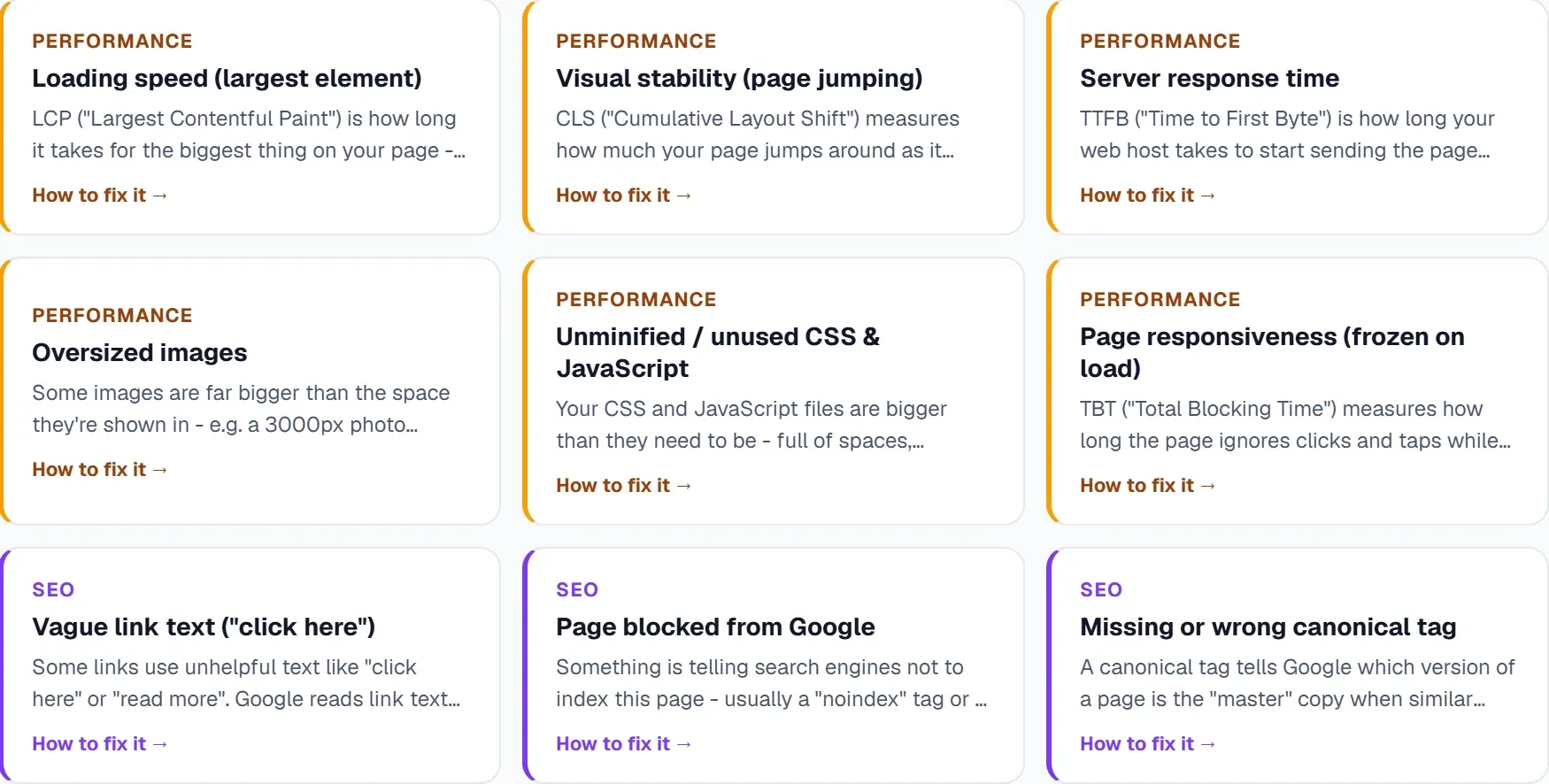
Auditing Your Core Web Vitals
To identify areas for improvement, you need to perform a thorough audit of your website's Core Web Vitals. Google offers several free tools like PageSpeed Insights and Lighthouse for this purpose. A lighthouse audit provides a detailed report on your page's performance, accessibility, best practices, and SEO. While these tools are excellent for individual page assessments, managing an entire site requires a more comprehensive approach.
For a broader perspective, a dedicated site auditor tool becomes invaluable. UtilitySEO offers a robust solution for this. Our single URL scan provides a deep PageSpeed and SEO audit, using dual-pass averaging for accurate results. For a complete picture, our full site scan crawls up to 10,000 pages (depending on plan) via sitemap and internal links, running server-side to gather extensive data across your entire domain. This gives you a clear understanding of your Core Web Vitals performance site wide.
Leveraging UtilitySEO for Core Web Vitals Optimisation
UtilitySEO provides a comprehensive suite of tools designed to simplify Core Web Vitals optimisation. After running a scan, our SEO results dashboard gives you a clear score, lists identified issues, and suggests fixes. You can filter by category and use lightbulb tips for quick insights. The scan history allows you to compare current performance against previous scans, tracking your progress.
Our AI Insights feature provides automated SEO recommendations, helping you pinpoint exactly what needs attention to improve your Core Web Vitals. For technical issues, our site audit tool offers a detailed breakdown with issue categorisation, making it easier to prioritise fixes. You can also use issue tracking to pin specific issues from scan results and mark them as fixed, monitoring your progress through the progress dashboard, which shows milestones, streaks, and fix rates by priority. This integrated approach ensures you have all the necessary information and tools to enhance your website's performance.
Turning Audit Data into Actionable Deliverables
The goal of any audit is to create a clear, actionable plan. Once you have identified Core Web Vitals issues, the next step is to translate that data into an effective [audit deliverable]. This typically involves creating a report detailing the specific problems, their impact, and recommended solutions for your development team. For example, if LCP is poor, the deliverable might suggest optimising image sizes, deferring non critical CSS, or upgrading server response times. If CLS is an issue, it could recommend specifying image dimensions or preloading fonts.
UtilitySEO helps streamline this process. The detailed reports and recommended fixes from the SEO results dashboard can serve as the foundation for your deliverables. Our platform helps you move from identification to resolution efficiently, ensuring that your efforts lead to tangible improvements in your website's user experience and search performance.
Conclusion
Optimising your Core Web Vitals is no longer optional; it is a fundamental aspect of effective SEO and a positive user experience. By understanding these critical metrics, regularly auditing your site, and utilising powerful tools, you can ensure your website performs at its best. UtilitySEO offers the comprehensive features you need to monitor, analyse, and improve your Core Web Vitals, ultimately boosting your overall UtilitySEO score and search engine visibility. Explore how UtilitySEO can transform your website's performance today.
Perguntas frequentes
Core Web Vitals are a set of three specific metrics Google uses to measure and quantify the real user experience of a webpage.
- They evaluate loading performance, interactivity, and visual stability.
- These metrics are crucial for Google's broader Page Experience signals.
- Websites with good scores tend to rank higher in search results.
Core Web Vitals are important for SEO because Google explicitly uses these metrics as direct ranking signals for search results.
- Pages offering a superior user experience are more likely to rank higher.
- Good scores contribute to a better overall SEO health score.
- Improved vitals lead to lower bounce rates and higher user engagement.
The three main Core Web Vitals metrics are Largest Contentful Paint (LCP), First Input Delay (FID) or Interaction to Next Paint (INP), and Cumulative Layout Shift (CLS).
- LCP measures how quickly the largest content element loads.
- FID/INP assesses the responsiveness to user interactions.
- CLS tracks unexpected visual shifts on the page.
You can check your website's Core Web Vitals performance using Google's free tools like PageSpeed Insights and Lighthouse for individual page assessments.
- PageSpeed Insights provides detailed performance reports.
- Lighthouse audits offer insights into performance, accessibility, and SEO.
- Dedicated site auditor tools, like UtilitySEO, can provide a comprehensive domain-wide analysis.
A good score for Core Web Vitals means your Largest Contentful Paint (LCP) is 2.5 seconds or less, and First Input Delay (FID) is 100 milliseconds or less.
- An Interaction to Next Paint (INP) of 200 milliseconds or less is also considered good.
- Your Cumulative Layout Shift (CLS) should ideally be 0.1 or less.
- These thresholds indicate a fast, responsive, and visually stable user experience.
Saiba o que corrigir a seguir.
Analise o seu site e saiba melhor por onde começar.
Cerca de 30 segundos. Sem cartão.