

SEO
Optimizing Your Website with the Best Site Audit Tools and Techniques
Learn how to use site audit tools to improve your website's search engine rankings and user experience.
Site audit tools are essential for identifying and fixing website issues that can impact search engine rankings and user experience. In this guide, we will cover the importance of site audit tools, their key benefits, and how to use them effectively. We will also explore how UtilitySEO fits into this area, providing a comprehensive solution for website owners and SEO professionals.
Introduction to Site Audit Tools
Site audit tools are designed to scan and analyze a website's structure, content, and technical aspects to identify areas for improvement. These tools can help website owners and SEO professionals identify issues such as broken links, duplicate content, and page speed problems. By using site audit tools, you can improve your website's indexability, increase page speed insights, and enhance overall user experience.
Key Benefits of Site Audit Tools
The key benefits of site audit tools include improved search engine rankings, increased website traffic, and enhanced user experience. By identifying and fixing website issues, you can improve your website's visibility, drive more traffic, and increase conversions. Site audit tools can also help you identify areas for improvement, providing valuable insights into your website's technical SEO and ecommerce SEO audit.
Real-World Examples and UtilitySEO
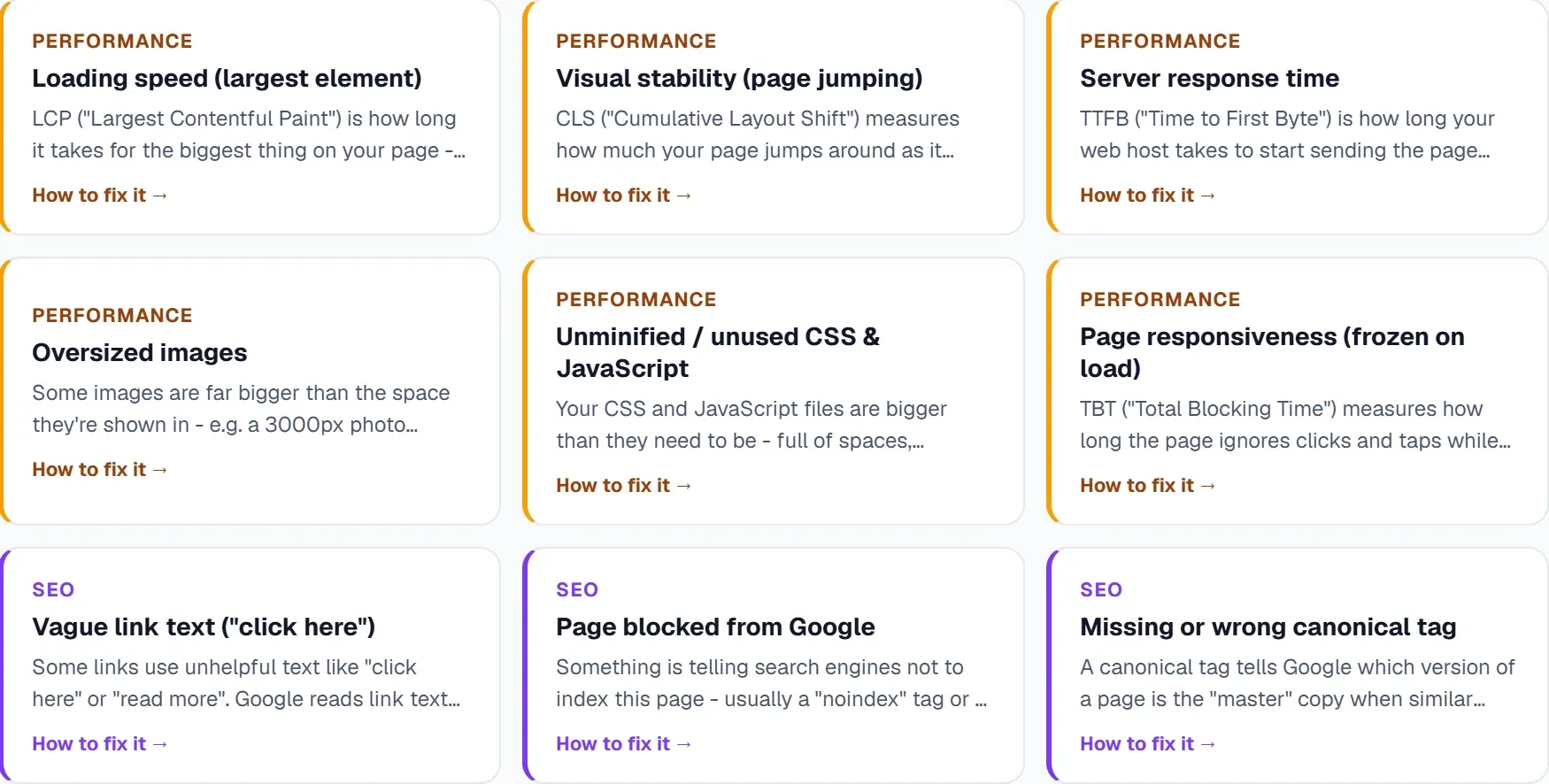
UtilitySEO is a comprehensive site audit tool that provides a range of features, including CORE SCANNING, KEYWORDS AND GSC, ANALYTICS, and AI-POWERED FEATURES. With UtilitySEO, you can perform a free SEO audit, identify areas for improvement, and track your website's progress over time. For example, you can use the SEO results dashboard to track your website's score, issues, and fixes, and use the lightbulb tips to get recommendations for improvement. You can also use the Pages tab to inspect your website's pages, check index status, and detect mobile usability issues.
How to Use Site Audit Tools Effectively
To use site audit tools effectively, you need to understand how to interpret the results and take action to fix the issues identified. This includes prioritizing tasks, tracking progress, and monitoring your website's performance over time. You can use UtilitySEO's issue tracking feature to pin issues from scan results, mark them as fixed, and track your progress on the progress dashboard. You can also use the daily scan streak tracker to monitor your website's performance and receive alerts when issues are detected.
Conclusion and Next Steps
In conclusion, site audit tools are essential for website owners and SEO professionals who want to improve their website's search engine rankings, drive more traffic, and enhance user experience. By using a comprehensive site audit tool like UtilitySEO, you can identify areas for improvement, track your progress, and take action to fix issues. To get started, you can sign up for a free trial and explore UtilitySEO's features, including CORE SCANNING, KEYWORDS AND GSC, ANALYTICS, and AI-POWERED FEATURES. You can also check out our Pricing page to learn more about our plans and features.
Domande frequenti
Site audit tools help identify website issues.
- Improve search engine rankings
- Increase website traffic
- Enhance user experience
The best site audit tools provide comprehensive analysis.
- Technical SEO audit
- Ecommerce SEO audit
- Page speed insights
Yes, site audit tools improve website indexability using site audit tools.
- Identify broken links
- Fix duplicate content
- Optimize page speed
Yes, UtilitySEO is a comprehensive site audit tool with site audit tools.
- CORE SCANNING
- KEYWORDS AND GSC
- ANALYTICS
Use site audit tools effectively by prioritizing tasks with site audit tools.
- Track progress
- Monitor performance
- Fix issues
Scopri cosa sistemare dopo.
Scansiona il tuo sito per capire meglio da dove iniziare.
Circa 30 secondi. Nessuna carta richiesta.